
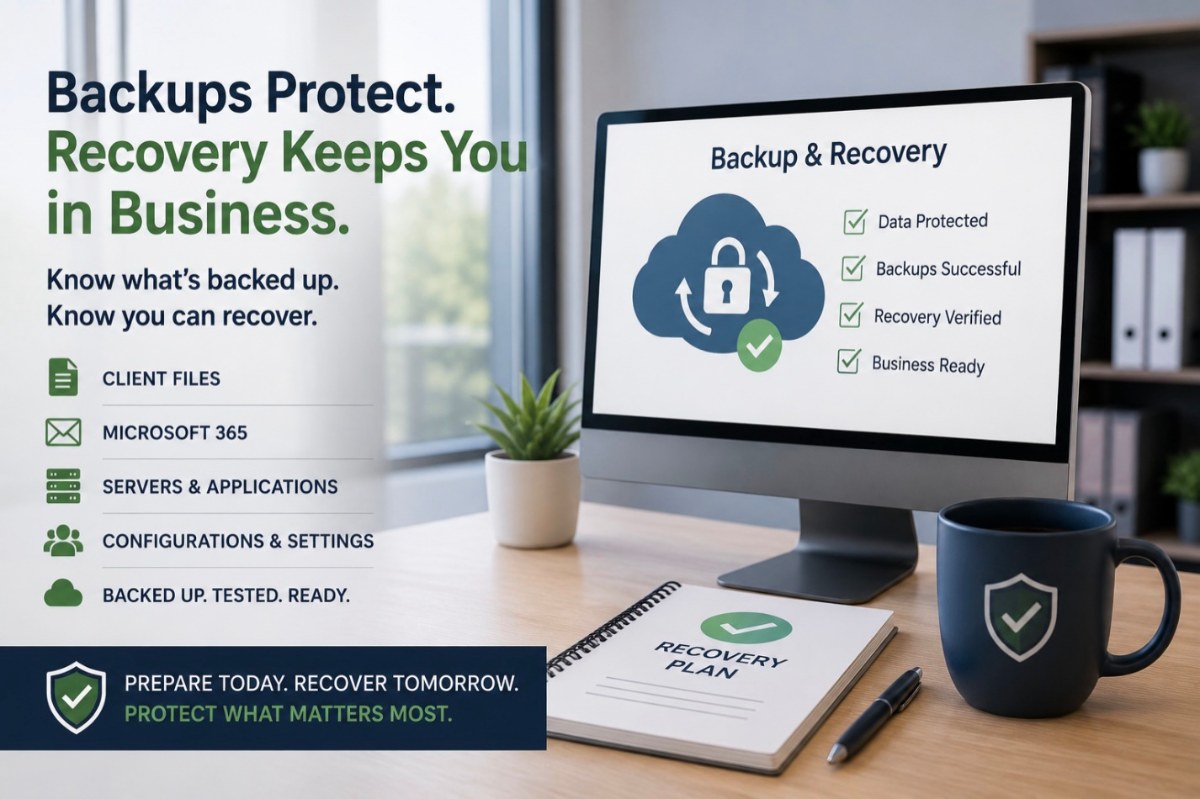
Most business owners know they should have backups. The harder questions are: What exactly is being backed up, and what happens when you actually need it?
For an Accounting & Tax firm, losing access to tax documents, financial records, email, client files, or critical applications can quickly disrupt the business. A good backup strategy isn’t simply about having another copy of your data. It’s about being able to recover the information and systems your team needs to continue working.
Start With What Your Firm Depends On
Before deciding whether your backup strategy is adequate, identify the information and systems your firm relies on to operate.
Depending on your environment, that may include:
- Client and tax documents
- Accounting and payroll data
- Files stored on servers
- Microsoft 365 email
- OneDrive and SharePoint data
- Tax and accounting application data
- Document management systems
- Important workstation data
- Server configurations and operating systems
Some of this information may be stored in your office, some in Microsoft 365, and some inside applications hosted by outside vendors. Understanding where your data actually lives is an important first step.
Don’t Assume Cloud Means Backed Up
Moving an application or information to the cloud can improve reliability and accessibility, but cloud services and backups aren’t necessarily the same thing.
Microsoft 365, tax applications, document management platforms, and other cloud services may have different retention and recovery capabilities. Your firm should understand what each provider protects, how long information can be recovered, and what happens if data is accidentally deleted, corrupted, or intentionally removed.
The important question isn’t simply, “Is this in the cloud?” It’s “If we lose this information, how do we get it back?”
Microsoft 365 Deserves Its Own Backup Conversation
Email, OneDrive, SharePoint, and other Microsoft 365 services can contain a significant amount of business information. While Microsoft provides a resilient cloud platform and various retention and recovery capabilities, your firm should understand whether those capabilities meet its actual recovery needs.
An independent Microsoft 365 backup can provide another layer of protection for important cloud data. Your IT provider should be able to explain what is currently protected, how frequently backups occur, how long information is retained, and how it would be restored.
Servers Need More Than File Backup
If your firm still operates one or more servers, copying important files is only part of the recovery picture.
A server may also contain applications, databases, permissions, configurations, and other components required for the business to operate. If that server fails, restoring individual documents may not be enough to get everyone working again.
A server backup and recovery strategy should consider both the data and the system needed to use it.
Know Who Is Responsible for Application Data
Accounting & Tax firms frequently depend on specialized applications provided by third parties. It’s easy to assume the software vendor is backing everything up, but the level of protection varies from one provider to another.
For important applications, ask:
- Who is responsible for backing up the data?
- How frequently is it backed up?
- How long are backups retained?
- Can deleted or damaged information be restored?
- What happens if the application provider has an outage?
- Can your firm obtain its data if it changes providers?
You don’t need to know every technical detail, but you should know who is responsible and what your options are if something goes wrong.
A Successful Backup Isn’t the Same as a Successful Recovery
A backup system reporting “successful” is reassuring, but it doesn’t answer the most important question: Can we recover?
Backups should be monitored, and recovery capabilities should be reviewed or tested as appropriate. This helps identify problems before an actual emergency and gives your firm a better understanding of what recovery would look like.
Your IT provider should also be able to explain reasonable expectations for recovery. Restoring a deleted document is very different from recovering an entire server after a major failure.
How Much Downtime Can Your Firm Tolerate?
Recovery planning is ultimately a business decision.
A system that can be unavailable for two days may require a very different solution than one that needs to be restored within a few hours. Tax season may also change how much downtime your firm can reasonably tolerate.
Consider:
- Which systems are most critical?
- How long could employees work without them?
- What information could your firm afford to lose?
- Does the answer change during tax season?
- What would employees do while systems are being recovered?
Your backup and recovery strategy should reflect the actual impact downtime would have on your business rather than simply purchasing the most technically sophisticated option available.
Review Backup and Recovery Before Tax Season
The middle of tax season is a poor time to discover that an important system wasn’t being protected the way everyone assumed.
Backup and recovery should be reviewed throughout the year, with important improvements completed before workloads increase whenever practical. This gives your firm time to address gaps, test recovery procedures, and understand what would happen during an unexpected outage.
Want a Second Opinion on Your Backup and Recovery?
If you’re not completely sure what your firm is backing up—or what would happen if you needed to recover it—MicroNet can provide a second opinion.
We’ll help you understand what is currently protected, identify important information or systems that may need additional attention, and explain practical options based on your firm’s operations and recovery needs.
Even if you’re happy with your current IT provider, a second opinion can help answer one of the most important technology questions your firm can ask: If something happens, are we prepared to recover?