
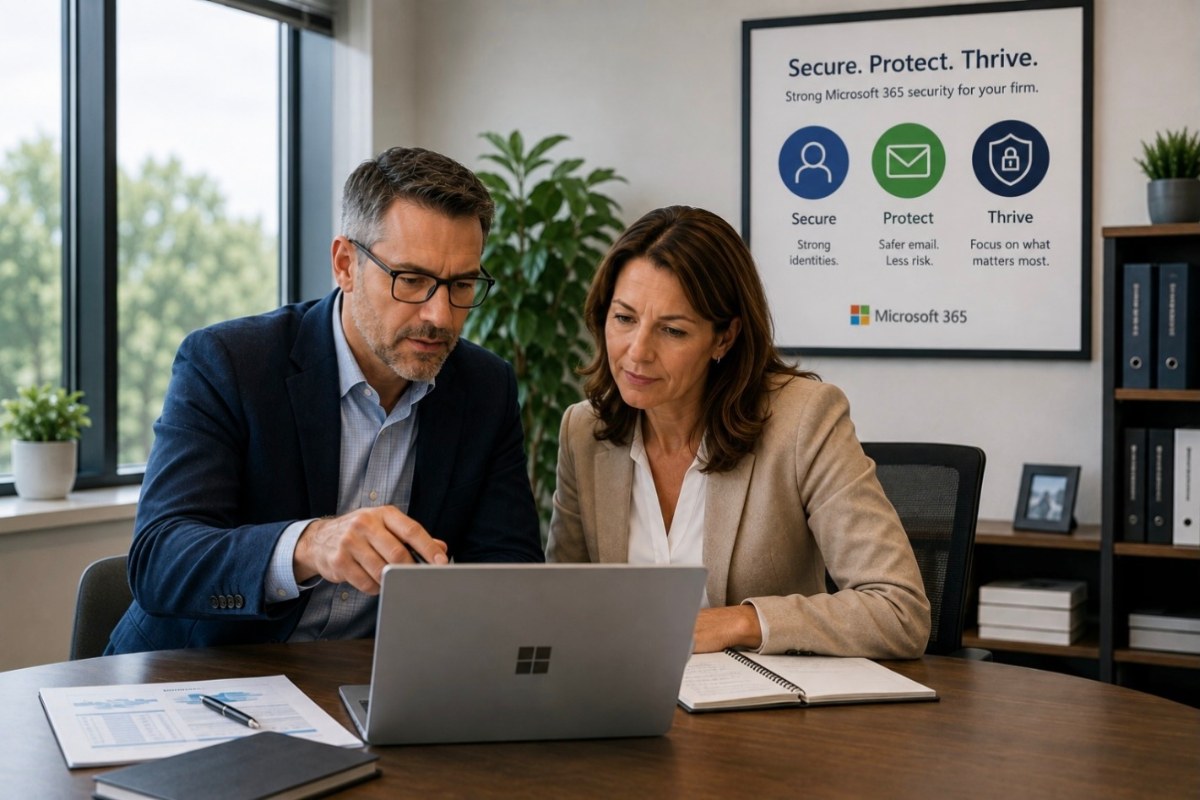
Email is one of the most important tools in an Accounting & Tax firm—and one of the most common ways attackers try to get in. Your employees use email to communicate with clients, exchange documents, reset passwords, receive notifications, and access other business systems. A compromised Microsoft 365 account can therefore create problems well beyond someone’s inbox.
Protecting email requires more than filtering spam. Your firm should protect the person signing in, the messages reaching employees, and the account itself.
Start With Stronger Authentication
Passwords have traditionally been the front door to Microsoft 365, but they are also a frequent target of phishing and credential theft. Where practical, Accounting & Tax firms should begin moving toward passkeys and other phishing-resistant passwordless authentication methods. Passkeys allow employees to securely verify their identity without relying on a password that can be typed into a fraudulent website or stolen through a phishing attack.
For accounts that still use passwords, multifactor authentication (MFA) remains an important safeguard and should generally be enabled for everyone—not just partners or employees who regularly work with sensitive information. The goal is to reduce your firm’s dependence on passwords over time while ensuring accounts that still use them have additional protection.
Protect the Sign-In, Not Just the Authentication Method
Passkeys and MFA are important safeguards, but Microsoft 365 security shouldn’t stop there. Modern identity protection can also evaluate circumstances surrounding a sign-in, such as:
- Where the person is connecting from
- Whether the device is recognized
- Whether the sign-in behavior appears unusual
- Whether credentials may have been compromised
- Whether access should be allowed, blocked, or require additional verification
The objective is to protect the user’s identity and make it substantially more difficult for an attacker to gain access—even if they manage to obtain a password.
Strengthen Email Protection
Accounting & Tax firms receive a tremendous amount of email, especially during busy season, and attackers know that. Phishing messages may impersonate:
- Clients
- Partners or managers
- Microsoft
- Financial institutions
- Payroll providers
- Vendors
- Government agencies
Good email security should help identify suspicious links, malicious attachments, impersonation attempts, and other potentially dangerous messages before they reach an employee. No filtering system will catch everything, which is why email protection should be one layer of a broader cybersecurity strategy.
Prepare Employees for Phishing and Social Engineering
Technology can reduce risk, but employees still make important decisions every day. A convincing message might ask someone to open a document, change banking information, provide credentials, or approve an unusual request.
Regular security awareness training can help employees recognize suspicious activity and understand what to do when something doesn’t look right. The goal isn’t to make employees afraid of email; it’s to help them develop good habits for identifying and reporting suspicious requests.
Protect Administrative Accounts
Accounts with administrative privileges deserve additional attention because they can make changes across the Microsoft 365 environment. Administrative access should be limited to people who actually need it.
It’s also important to understand:
- Who has administrative privileges
- Whether those privileges are still necessary
- How administrative accounts are protected
- Whether unexpected administrative changes are being monitored
Reducing unnecessary administrative access can limit what an attacker is able to do if an account is compromised.
Monitor for Suspicious Activity
Some attacks don’t immediately cause an obvious problem. An attacker may gain access to an account and quietly monitor email, create forwarding rules, or wait for an opportunity to impersonate someone during a financial transaction.
Ongoing security monitoring can help identify suspicious activity that might otherwise go unnoticed. For Accounting & Tax firms handling sensitive financial information, detecting unusual activity quickly can significantly reduce the potential impact of an account compromise.
Don’t Forget Microsoft 365 Backup
Microsoft provides a highly resilient cloud platform, but using Microsoft 365 doesn’t eliminate every reason to protect your data separately. Accidental deletion, malicious activity, account problems, and retention limitations can still affect business information.
Your firm should understand what Microsoft 365 information is being protected, how long it can be retained, and how it would be recovered if needed.
Security Should Continue to Improve
Microsoft 365 isn’t something you configure once and never revisit. Employees change, threats change, Microsoft adds capabilities, and your firm’s needs evolve.
Regular reviews should help answer questions such as:
- Are passkeys or other phishing-resistant authentication methods being used where practical?
- Is MFA properly configured for accounts that still rely on passwords?
- Are old or unused accounts still active?
- Does anyone have unnecessary administrative access?
- Are email protections appropriate?
- Are employees receiving security awareness training?
- Is suspicious activity being monitored?
- Is important Microsoft 365 information backed up?
You don’t need to become a Microsoft 365 security expert to ask these questions. Your IT and cybersecurity provider should be able to explain where your firm stands and recommend improvements based on your needs and priorities.
Protect the Way Your Firm Communicates
Email and Microsoft 365 are central to how most Accounting & Tax firms operate. A layered approach—protecting identities, email, accounts, employees, and data—helps reduce risk without depending on any single cybersecurity product.
Improvements can then be prioritized and planned over time, including scheduling significant changes outside of the busy tax season whenever practical.
Want a Second Opinion on Your Microsoft 365 Security?
If you’re unsure how well your Microsoft 365 environment and email are protected, MicroNet can provide a second opinion. We’ll help you understand the safeguards you already have, identify areas that may deserve attention, and explain practical improvements based on your firm’s needs and priorities.
Even if you’re happy with your current IT provider, a second opinion can help you make a more informed decision about whether your Microsoft 365 security is where it should be.